
How to choose a video surveillance system for an office
Camera count, resolution, archive length and the network: what to check before you buy.
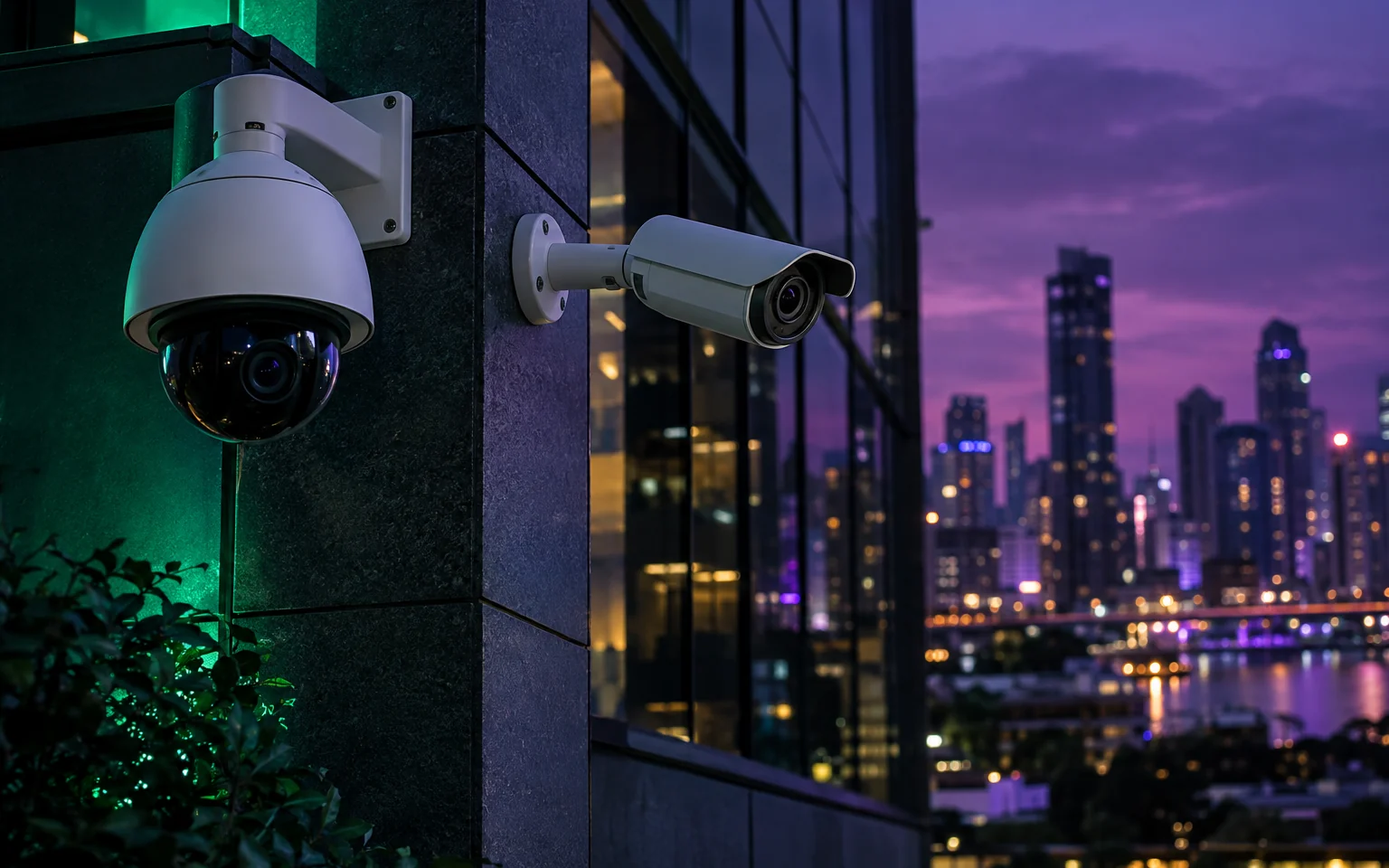
The first question is not which camera model to buy but what you need to see. At the entrance you need a recognisable face, at the cash desk the movement of hands, in the car park a readable licence plate. Each task needs a different viewing angle, resolution and mounting height, so a project starts with the floor plan and a list of risk points.
Choose resolution by distance. For a small room 2–4 megapixels is usually enough; a wide hall or a yard needs higher resolution or a longer lens. For night recording, infrared range and sensor sensitivity matter more than the megapixel count.
The second decision is storage. More cameras and higher resolution mean larger disks. Decide how many days of archive you need and let an engineer calculate the capacity; with a wrong estimate the archive is overwritten sooner than you need it. Surveillance-grade disks are built for round-the-clock recording and are more reliable here than ordinary desktop drives.
IP cameras run over the network, so the network matters as much as the cameras. A PoE switch delivers power and data over one cable, which simplifies installation. Keep surveillance on a separate network segment and change the factory passwords: cameras are often attacked precisely because default passwords were left in place.
Finally, plan for maintenance. The system should be checked regularly: are all cameras recording, are the lenses clean, is the firmware up to date. A DataNet engineer visits your site free of charge, assesses what you need and prepares a preliminary estimate; after you leave a request we call back within one hour during working hours.
Let's build your system.
The engineer's visit and the preliminary estimate are free. We call back within 1 hour.